> ## Documentation Index
> Fetch the complete documentation index at: https://docs.odella.ai/llms.txt
> Use this file to discover all available pages before exploring further.
# Text Block
> Output a string of text with dynamic interpolation using {{tags}}
## Overview
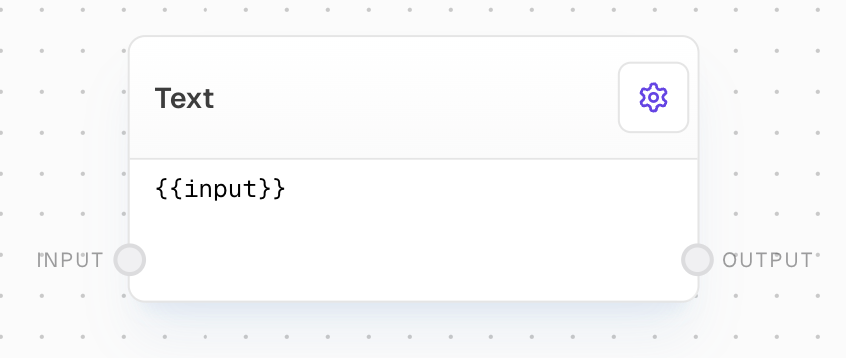
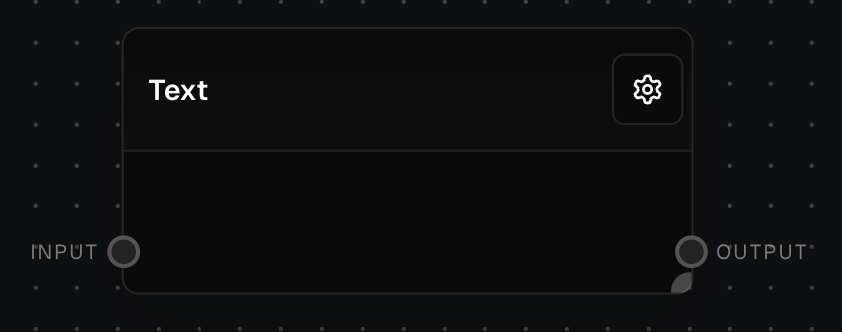
The Text Block outputs a string of text and can interpolate values using `{{tags}}` within the text. The inputs are dynamically generated based on the interpolation tags used in the text.
 ## Inputs
The inputs are dynamically generated based on the interpolation tags used in the text. For example, if the text contains `{{name}}`, an input named `name` will be created. All inputs are optional and accept string values. If an input is not connected, its tag will be replaced with an empty string.
## Outputs
The output text after interpolating all input values into their corresponding tags.
## Editor Settings
The text to output. You can use interpolation tags in the format `{{tag}}` to insert input values. The text supports markdown formatting and will be displayed with syntax highlighting in the editor.
The width of the block in pixels.
Whether the block is hidden in the block menu.
## Example: Simple Text Output
1. Add a Text Block to your flow
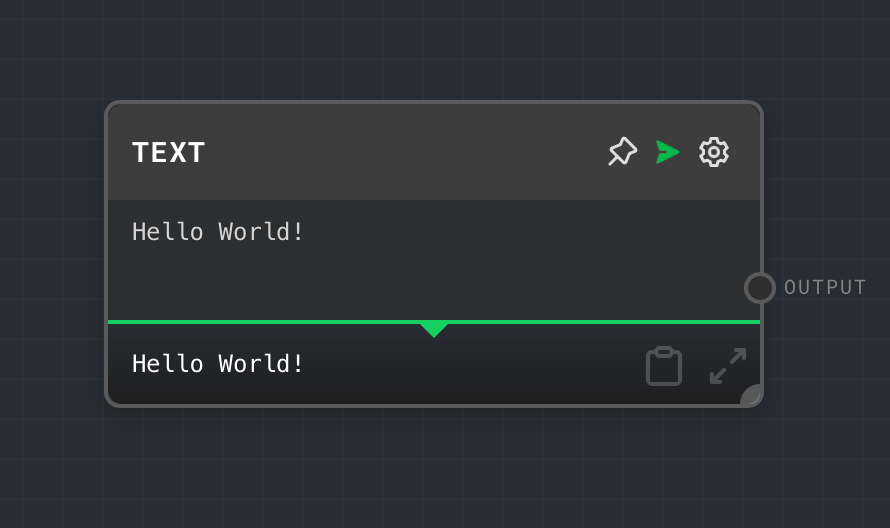
2. Set the text to `Hello World!`
3. Run the flow. The output will be `Hello World!`
## Inputs
The inputs are dynamically generated based on the interpolation tags used in the text. For example, if the text contains `{{name}}`, an input named `name` will be created. All inputs are optional and accept string values. If an input is not connected, its tag will be replaced with an empty string.
## Outputs
The output text after interpolating all input values into their corresponding tags.
## Editor Settings
The text to output. You can use interpolation tags in the format `{{tag}}` to insert input values. The text supports markdown formatting and will be displayed with syntax highlighting in the editor.
The width of the block in pixels.
Whether the block is hidden in the block menu.
## Example: Simple Text Output
1. Add a Text Block to your flow
2. Set the text to `Hello World!`
3. Run the flow. The output will be `Hello World!`
 ## Example: Using Interpolation
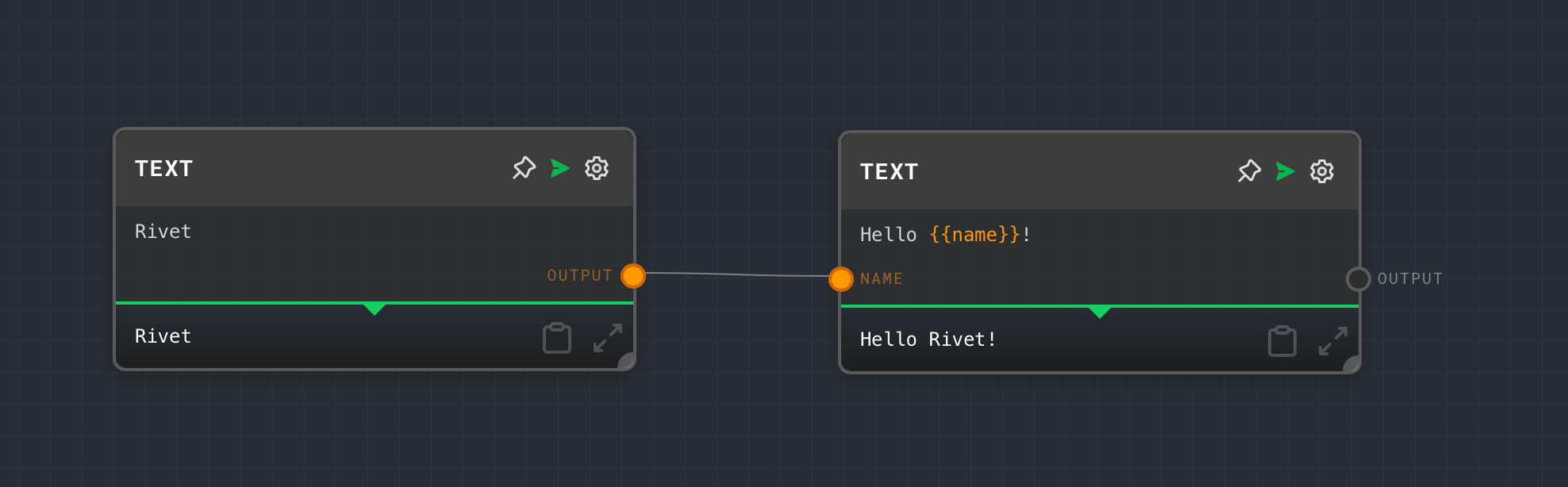
1. Add a Text Block and set the text to `Hello {{name}}!`
2. Add another Text Block with value "World"
3. Connect the second block's output to the `name` input of the first block
4. Run the flow. The output will be `Hello World!`
## Example: Using Interpolation
1. Add a Text Block and set the text to `Hello {{name}}!`
2. Add another Text Block with value "World"
3. Connect the second block's output to the `name` input of the first block
4. Run the flow. The output will be `Hello World!`
 ## Error Handling
The Text Block handles missing or null inputs gracefully by replacing their tags with empty strings. No errors will be thrown during normal operation.
## FAQ
Yes, you can use any number of unique interpolation tags in your text. Each tag will create a corresponding input on the block.
If an input is not connected or its value is null, the corresponding tag will be replaced with an empty string in the output.
Yes, the text content supports markdown formatting and will be displayed with syntax highlighting in the editor.
## See Also
* [Object Block](/block-reference/data/object)
* [Number Block](/block-reference/data/number)
* [Code Block](/block-reference/advanced/code)
## Error Handling
The Text Block handles missing or null inputs gracefully by replacing their tags with empty strings. No errors will be thrown during normal operation.
## FAQ
Yes, you can use any number of unique interpolation tags in your text. Each tag will create a corresponding input on the block.
If an input is not connected or its value is null, the corresponding tag will be replaced with an empty string in the output.
Yes, the text content supports markdown formatting and will be displayed with syntax highlighting in the editor.
## See Also
* [Object Block](/block-reference/data/object)
* [Number Block](/block-reference/data/number)
* [Code Block](/block-reference/advanced/code)