> ## Documentation Index
> Fetch the complete documentation index at: https://docs.odella.ai/llms.txt
> Use this file to discover all available pages before exploring further.
# Shuffle Block
> Randomize the order of elements in an array
 ## Overview
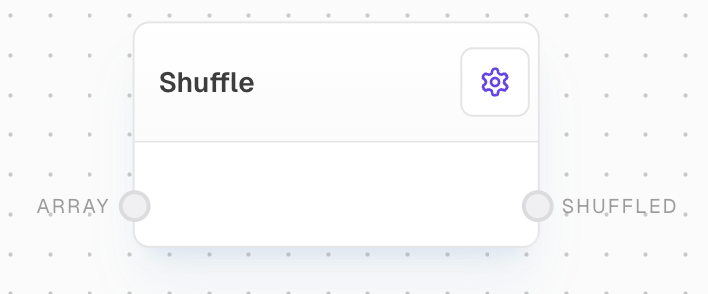
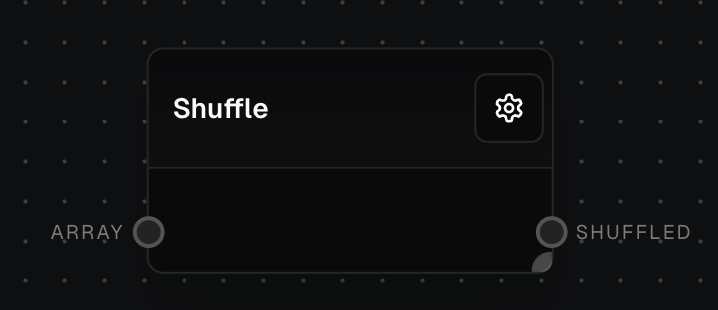
The Shuffle Block randomizes the order of elements in an array. It's like shuffling a deck of cards - you give it a list of items, and it mixes them up into a random order. This is useful when you want to randomize a playlist, create random selections, or add variety to any ordered list.
## Key Features
* Randomly reorders any list of items
* Creates a new shuffled list (keeps your original list unchanged)
* Works with any type of items (numbers, text, objects, etc.)
* Automatically handles single items by treating them as a one-item list
## Inputs
The list of items you want to shuffle. If you input a single item instead of a list, it will be treated as a one-item list.
## Outputs
A new list containing all your input items in a random order.
## Example: Shuffle a List of Numbers
1. Create an Array Block with numbers `[1, 2, 3, 4, 5]`
2. Add a Shuffle Block and connect the Array Block to its `array` input
3. Run the flow. The Shuffle Block's `shuffled` output will contain the same numbers in a random order, like `[3, 1, 5, 2, 4]`
## Error Handling
* If nothing is connected to the input, the block will output an empty list
* If you input a single item instead of a list, it will work fine - it just treats it as a one-item list
## FAQ
Yes! You can shuffle lists of any type of items - text, numbers, objects, or even mixed content.
No, your original list stays exactly the same. The Shuffle Block creates a new list with the items in a random order.
The shuffle is random enough for most everyday purposes (like shuffling songs or cards), but shouldn't be used for security or gambling purposes where you need true randomness.
## See Also
* [Array Block](/block-reference/data/array)
* [Filter Block](/block-reference/modifiers/filter)
* [Join Block](/block-reference/modifiers/join)
* [Code Block](/block-reference/advanced/code)
* [RNG Block](/block-reference/modifiers/shuffle)
## Overview
The Shuffle Block randomizes the order of elements in an array. It's like shuffling a deck of cards - you give it a list of items, and it mixes them up into a random order. This is useful when you want to randomize a playlist, create random selections, or add variety to any ordered list.
## Key Features
* Randomly reorders any list of items
* Creates a new shuffled list (keeps your original list unchanged)
* Works with any type of items (numbers, text, objects, etc.)
* Automatically handles single items by treating them as a one-item list
## Inputs
The list of items you want to shuffle. If you input a single item instead of a list, it will be treated as a one-item list.
## Outputs
A new list containing all your input items in a random order.
## Example: Shuffle a List of Numbers
1. Create an Array Block with numbers `[1, 2, 3, 4, 5]`
2. Add a Shuffle Block and connect the Array Block to its `array` input
3. Run the flow. The Shuffle Block's `shuffled` output will contain the same numbers in a random order, like `[3, 1, 5, 2, 4]`
## Error Handling
* If nothing is connected to the input, the block will output an empty list
* If you input a single item instead of a list, it will work fine - it just treats it as a one-item list
## FAQ
Yes! You can shuffle lists of any type of items - text, numbers, objects, or even mixed content.
No, your original list stays exactly the same. The Shuffle Block creates a new list with the items in a random order.
The shuffle is random enough for most everyday purposes (like shuffling songs or cards), but shouldn't be used for security or gambling purposes where you need true randomness.
## See Also
* [Array Block](/block-reference/data/array)
* [Filter Block](/block-reference/modifiers/filter)
* [Join Block](/block-reference/modifiers/join)
* [Code Block](/block-reference/advanced/code)
* [RNG Block](/block-reference/modifiers/shuffle)