> ## Documentation Index
> Fetch the complete documentation index at: https://docs.odella.ai/llms.txt
> Use this file to discover all available pages before exploring further.
# Subflows
> Learn how to create and use subflows to build modular and reusable components in your workflows
Subflows are like building blocks that you can use to create larger, more complex workflows. They help you organize your work and make it easier to manage.
## What are Subflows?
Subflows are smaller workflows that you can use within larger workflows. Think of them as mini-processes that you can reuse in different parts of your main workflow.
Every workflow must have a main flow. This is the primary process that orchestrates all the other parts of your workflow.
## How Subflows Work
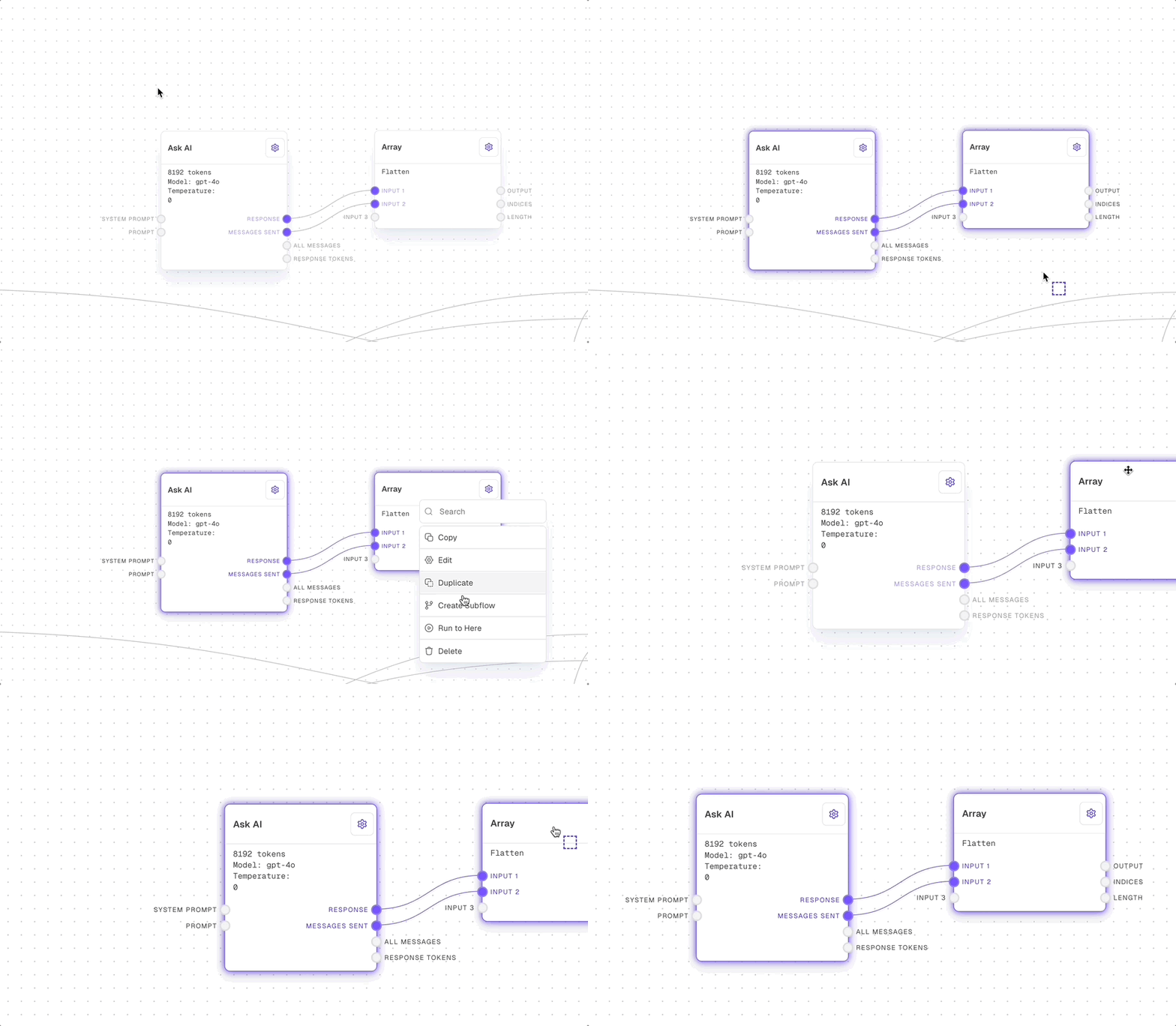
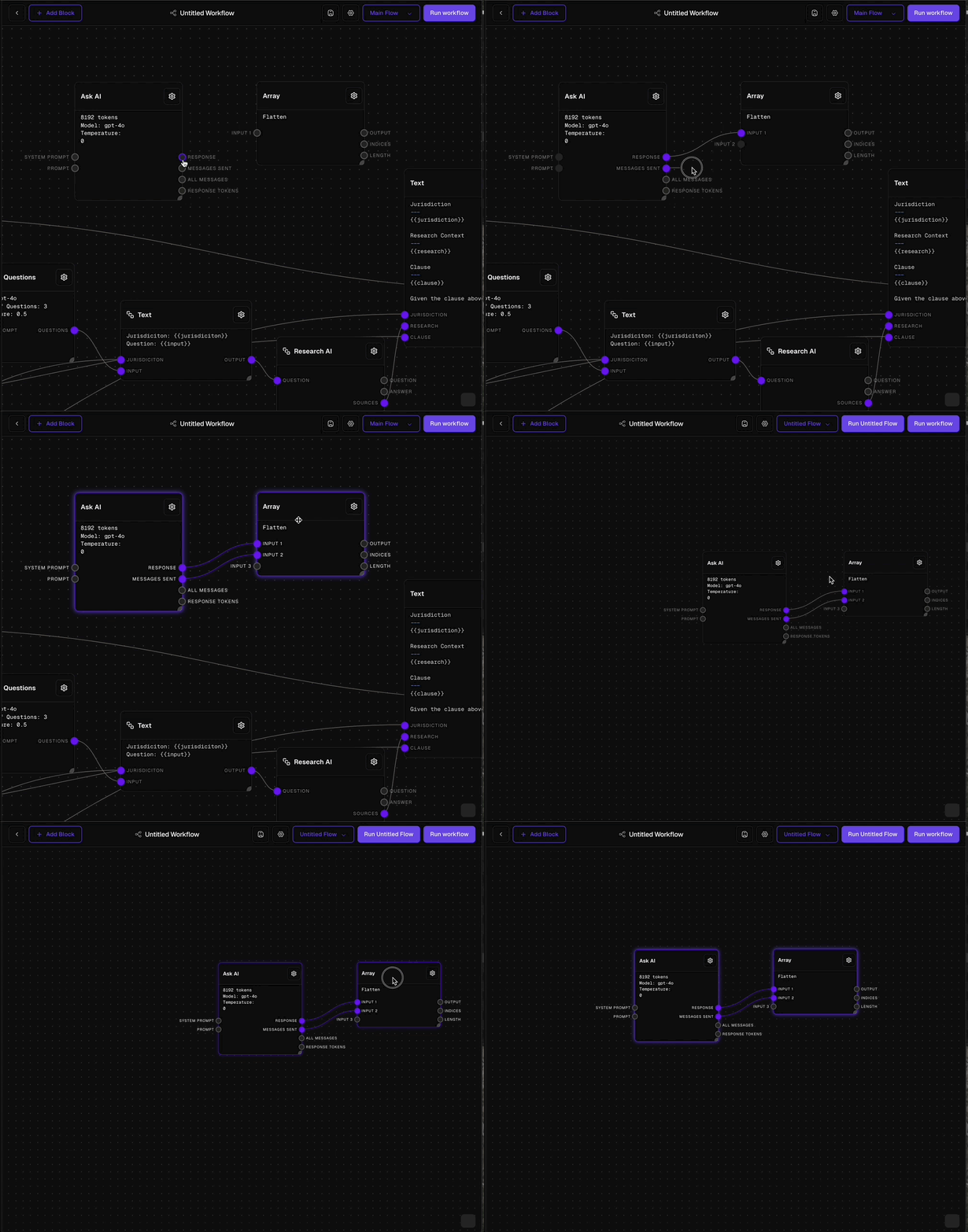 1. You create a subflow as a separate, smaller workflow.
2. You can then use this subflow in your main workflow or other larger workflows.
3. When a subflow is used, it receives information (inputs) from the main workflow.
4. After the subflow completes its task, it sends back results (outputs) to the main workflow.
Information that the subflow needs to do its job, provided by the main workflow.
Results or processed information that the subflow sends back to the main workflow.
## Benefits of Using Subflows
Create a subflow once and use it in multiple places across your workflows.
Break down complex processes into smaller, more manageable parts.
Keep your workflows neat and tidy by grouping related tasks into subflows.
By using subflows, you can build more efficient and organized workflows, making your legal processes smoother and easier to manage.
1. You create a subflow as a separate, smaller workflow.
2. You can then use this subflow in your main workflow or other larger workflows.
3. When a subflow is used, it receives information (inputs) from the main workflow.
4. After the subflow completes its task, it sends back results (outputs) to the main workflow.
Information that the subflow needs to do its job, provided by the main workflow.
Results or processed information that the subflow sends back to the main workflow.
## Benefits of Using Subflows
Create a subflow once and use it in multiple places across your workflows.
Break down complex processes into smaller, more manageable parts.
Keep your workflows neat and tidy by grouping related tasks into subflows.
By using subflows, you can build more efficient and organized workflows, making your legal processes smoother and easier to manage.