

 Get Started
 Workforce
 Templates
 Documents
 Workflows
Models
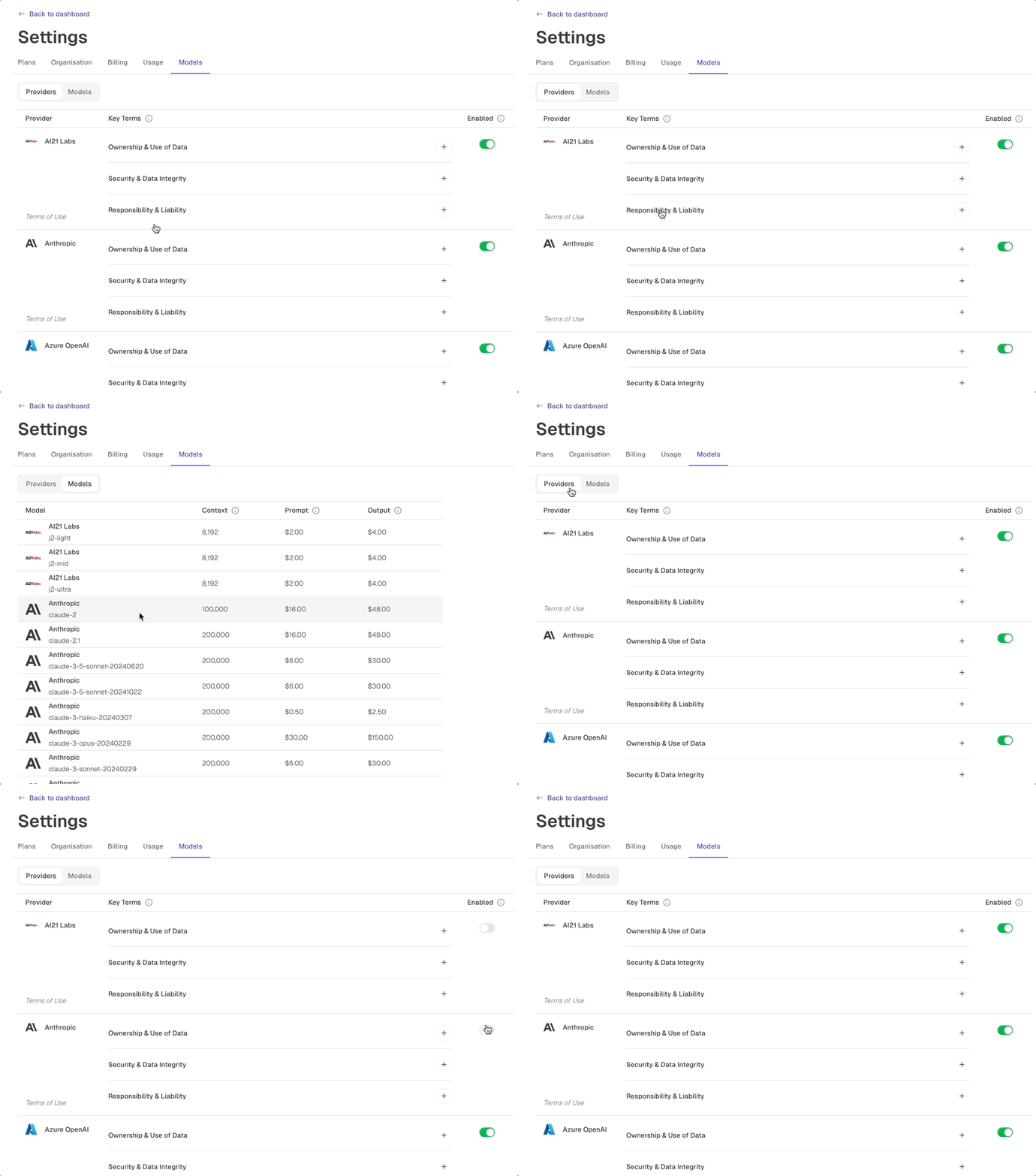
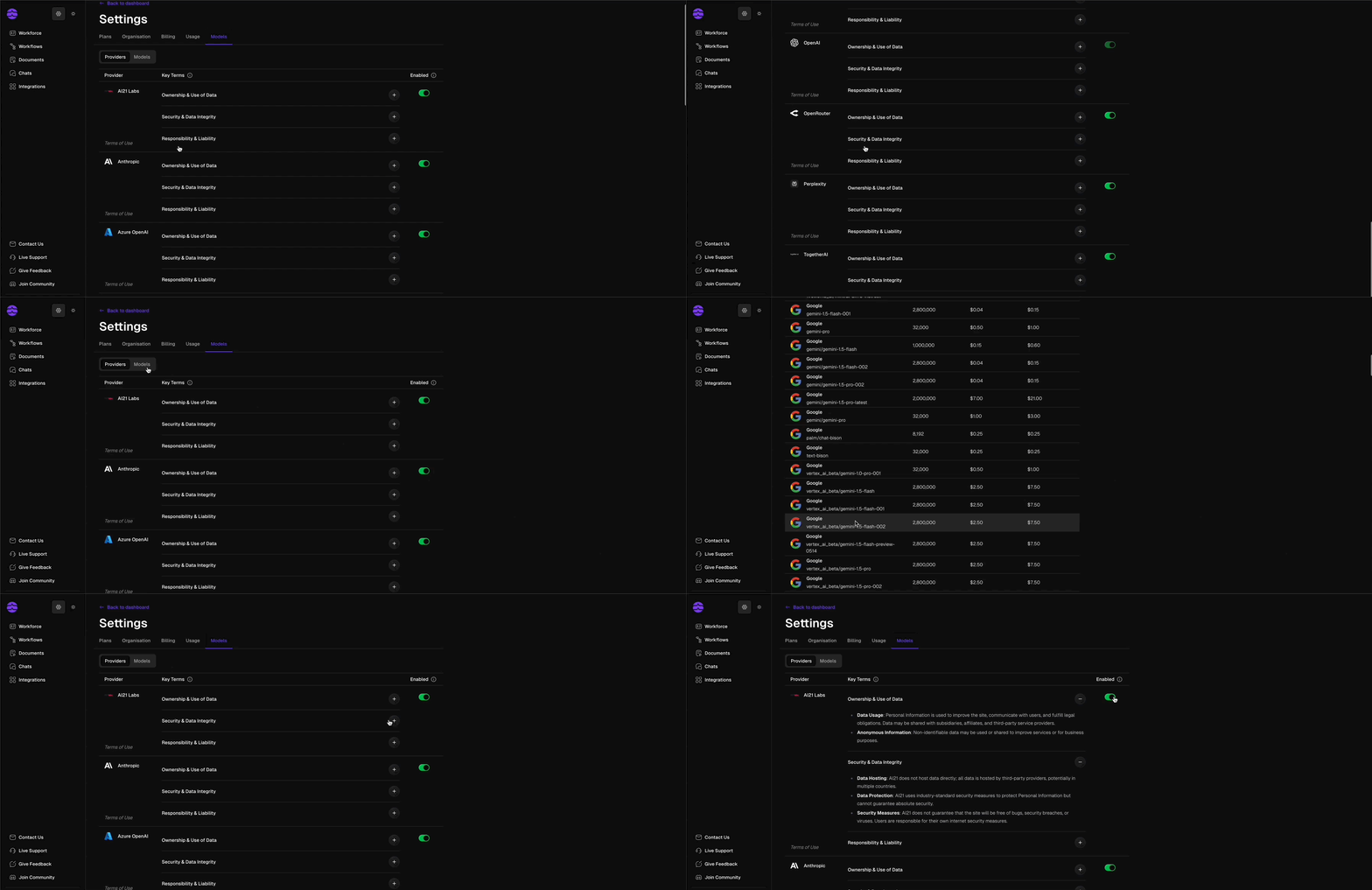
Odella can connect to leading AI model providers so workers can use the right capability for the work they are assigned. Most teams do not need to manage model details day to day, but workspace-level model settings help administrators align Odella with security, quality, and compliance requirements.In customer-facing work, think of models as one part of how an AI Employee performs its role. The worker’s responsibilities, knowledge, tools, and review process are just as important.
How models fit into Odella
Workspace control
Choose which model providers are available to your organization.
Task fit
Use appropriate model capabilities for drafting, extraction, reasoning, summarisation, and review tasks.
Governance
Align model usage with internal security, privacy, and client requirements.
Future flexibility
Keep your workflows and workers adaptable as model capabilities improve over time.
Recommended approach
1
Set workspace defaults
Decide which model providers are approved for your organization.
2
Match models to responsibilities
Consider the type of work a worker performs: reading, drafting, extracting, analyzing, or reviewing.
3
Test with real examples
Run representative tasks and review output quality before assigning the worker broader responsibilities.
4
Review periodically
Revisit model settings as your team’s requirements, risk profile, and available model capabilities change.
What to focus on first
For most teams, the most important model decisions are practical:- Which providers are allowed in the workspace?
- Which workers handle sensitive information?
- Which workflows need higher accuracy or stronger review?
- Which outputs require human approval before use?
Related docs
Security
Review governance and access controls for your workspace.
Workflow data types
Learn how information moves through workflows.