

 Get Started
 Workforce
 Templates
 Documents
 Workflows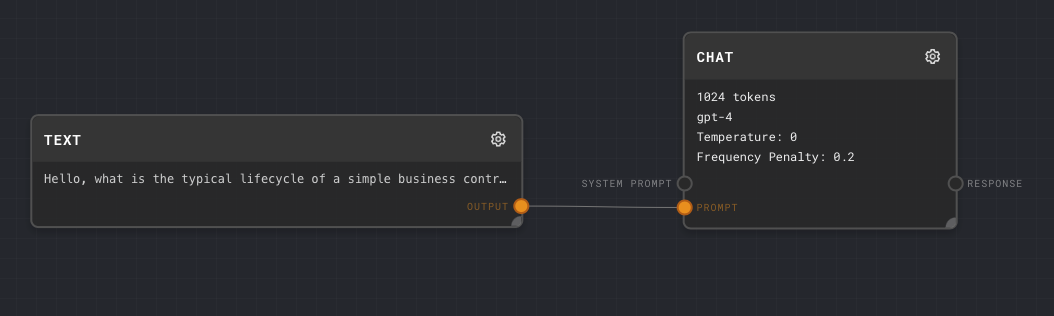
Text Block
Allows you to input text
Chat Block
Processes the text using AI
Running the Flow

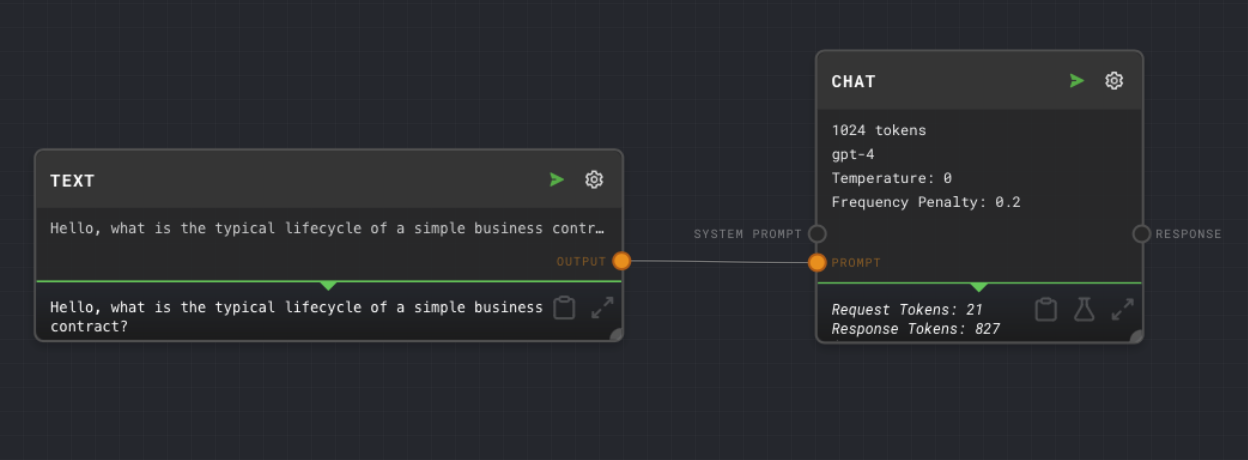
When you run the flow, the text block sends its content to the chat block. The chat block then uses AI to process this text and generate a response.
Experimenting with the Flow
To modify a block’s settings, click the edit gear icon in the top right corner of the block.Try These Experiments
Try These Experiments