

 Get Started
 Workforce
 Templates
 Documents
 Workflows
Before you start
You need permission to manage the employee’s channels, a Discord developer account, and Manage Server permission in the intended server (or help from its administrator). Keep the bot token private. The screenshots below are existing provider-console illustrations. Application IDs are derived during activation; do not copy another bot’s identity.1. Create the application
Open the Discord Developer Portal, select New Application, and choose a recognizable employee name.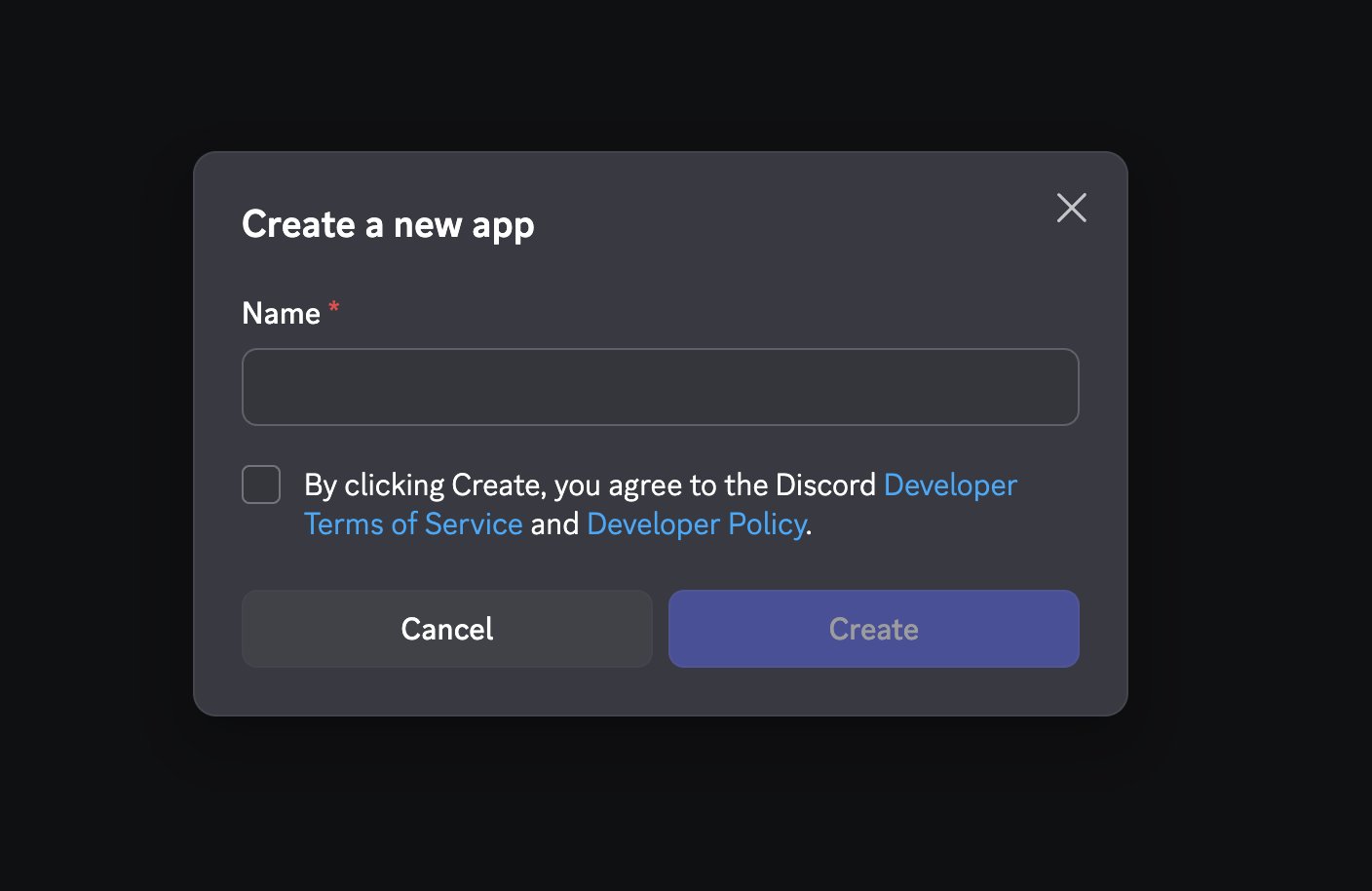
Create your own Discord application.
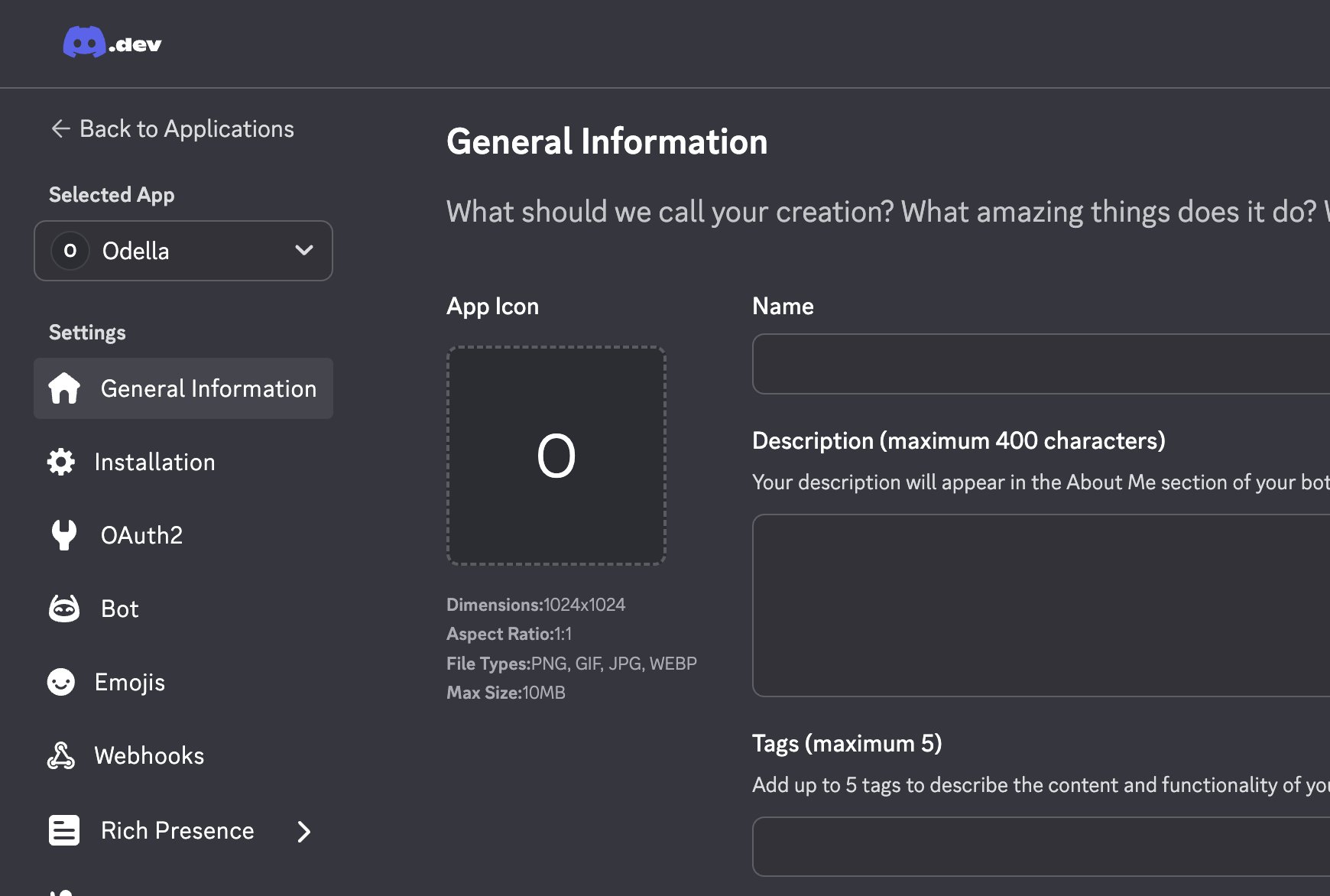
The application sidebar includes the Bot settings section.
2. Obtain the bot token
On Bot, use Reset Token as directed and copy the newly displayed token into Odella’s Discord Bot Token secret field. Creating/resetting a token can invalidate a previous connection; coordinate rotation if this bot is already in use.
Token controls only; no token value is shown.
3. Review gateway intents
In Privileged Gateway Intents, follow the current Odella setup guide:- Message Content Intent: required by the guide for reading message content.
- Server Members Intent: recommended for member lookups and role-related features.
- Presence Intent: optional; only enable if you need presence updates.
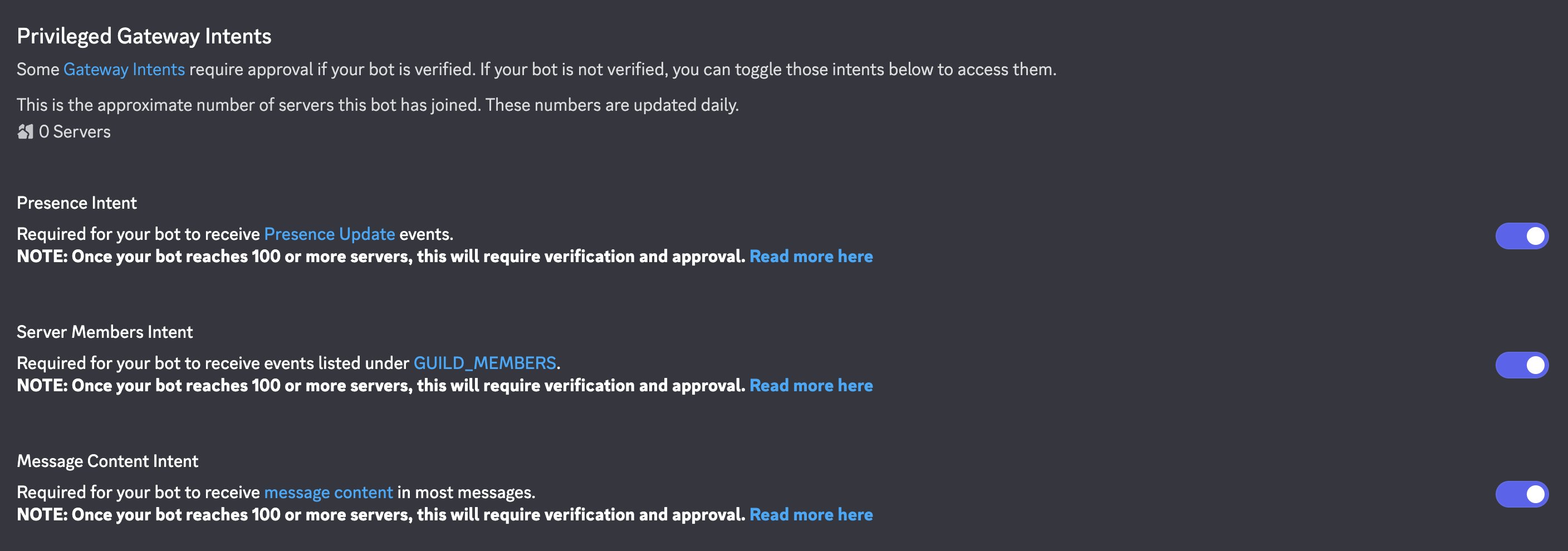
Gateway-intent locations. Select only the intents required for your use case.
4. Create and install
- Select Create in Odella once the token is entered.
- Odella validates the bot and derives the Discord Application ID; it attempts to configure its profile/interactions and slash commands.
- Complete the server installation window that opens. If it was blocked, use the generated Add to Discord Server link once available.
- Choose the intended server and review permissions, including viewing channels, sending messages, reading history, embeds, attachments and reactions as requested by the installation.
5. Test and recover
Send a low-risk request along an allowed direct-message or server-channel path. Verify the right employee replies and work appears in Activity.- Installation link missing: finish identity validation; do not type a guessed Application ID.
- No server choices: use an account with Manage Server permission.
- Bot installed but no reply: check channel visibility, permissions, required intents, Odella publication, employee availability and admission policy.
- Token rotated: enter the replacement securely, re-establish the connection through the supported flow, and retest. Do not assume saving alone reinstalls or verifies the bot.