

 Get Started
 Workforce
 Templates
 Documents
 Workflows
Before you start
- Permission to manage the employee’s channels and the account’s number-registration steps.
- An active number assigned to this employee with working supported SMS delivery. Review Phone setup if a number is not yet available.
- Current setup uses supported Telnyx number/SMS routing. A number from another provider is not automatically eligible for Signal verification.
1. Select the assigned number
Open the employee’s Channels → Signal and select the assigned active number. The setup guide starts registration automatically where supported. You do not need to enter an infrastructure relay URL or webhook secret.2. Complete verification
Use Check status to refresh. If SMS delivery takes longer than expected, use Resend verification SMS when offered. Avoid repeated rapid retries or creating duplicate channels; ask support to check routing if a resend does not arrive.
3. Complete a CAPTCHA if requested
Follow the challenge link shown in the setup guide and complete it yourself. On the resulting page, right-click Open Signal and copy the link address. Paste that fresh link only into the Signal setup form’s challenge field and use its retry control.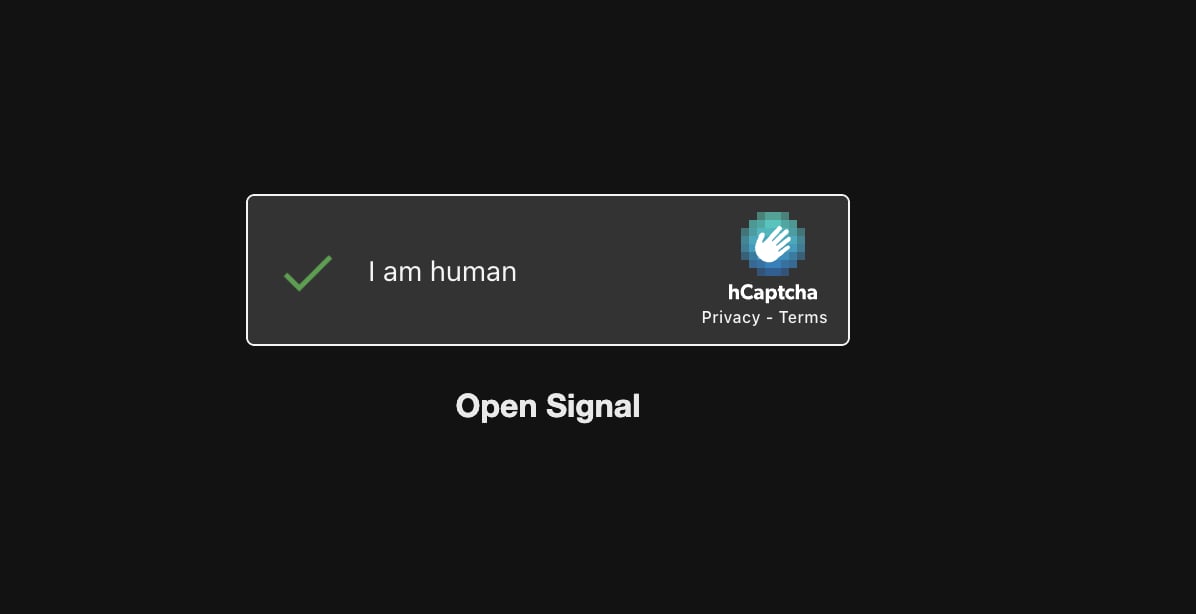
Existing Signal challenge illustration: copy the Open Signal link after completing the challenge.
4. Choose a username and publish
Once active, set a Signal username if the guide offers it. The nickname accepts letters, digits and underscores, starts with a letter, and is 3–32 characters; Signal adds a numeric suffix. A username is not a verified safety number or proof that the sender is an account member. Select Publish Signal only when the selected number is verified for this employee. Odella checks the assigned number again; a pending request cannot be published as ready.5. Share and test the contact
After publication, use the displayed contact QR/link. A username link works when phone-number discovery is disabled; otherwise the guide may offer a phone-number link. Do not confuse the contact QR with a device-linking QR or a verification challenge. With the participant’s permission, send a low-risk direct message from an allowed contact. Verify the reply and Activity. Group/mention access is a separate security review in the employee UI.Troubleshooting and changes
- Selected number not eligible: confirm active assignment, supported provider and SMS routing before requesting more verification attempts.
- Verified with Signal but not connected in Odella: the final connection update may have failed; use the offered recovery/support flow before publication.
- Publish disabled: check active registration for the currently selected number, not another number in the account.
- Contact link fails: check whether phone discovery is disabled and use the current username link if available.
- Published but no reply: check employee availability, access policy, Signal connection health and Activity.